 shaga
919534f3d8
shaga
919534f3d8
/unitscan now opens an options window (no minimap icon) with a button
that turns scanning on or off and checkboxes for the alert sound, the
screen flash and the built-in zone list. Your own targets can be added
or removed from the window. Settings are saved per character in
unitscan_settings.

/unitscan on, /unitscan off and /unitscan list do the same from chat;
/unitscan <name> still adds or removes a target.
UnitScan-Turtle (Hardcore Version)
Description
This fork extends unitscan-turtle by provinding a prepopulated list of dangerous elite mobs, rares, and other units. This version is especially useful if you're playing Turtle WoW's hardcore mode.
This fork adds an options window, opened with /unitscan, with an on/off switch for scanning and switches for the alert sound, the screen flash and the built-in zone list. Original addon: https://github.com/RetroCro/unitscan-turtle-hc
Download
If using the launcher use this url: https://git.octowow.st/git/shaga/unitscan-turtle-hc.git
Download: https://git.octowow.st/git/shaga/unitscan-turtle-hc/archive/master.zip
Copy folder to your Turtle WoW Addons folder ex: twmoa_1171\Interface\AddOns\unitscan-turtle-hc
Path should look like this:
....\TWMOA_1171\
├───Interface\
│   └───AddOns\
│       ├───unitscan-turtle-hc\
│       │       Event_wardrum_ogre.ogg
│       │       gruntling_horn_bb.ogg
│       │       README.md
│       │       scourge_horn.ogg
│       │       UI-Achievement-Alert-Glow.blp
│       │       UI-Achievement-Parchment-Horizontal.blp
│       │       UI-Achievement-Title.blp
│       │       unitscan-turtle-hc.toc
│       │       unitscan.lua
│       │       zonetargets.lua
Preview
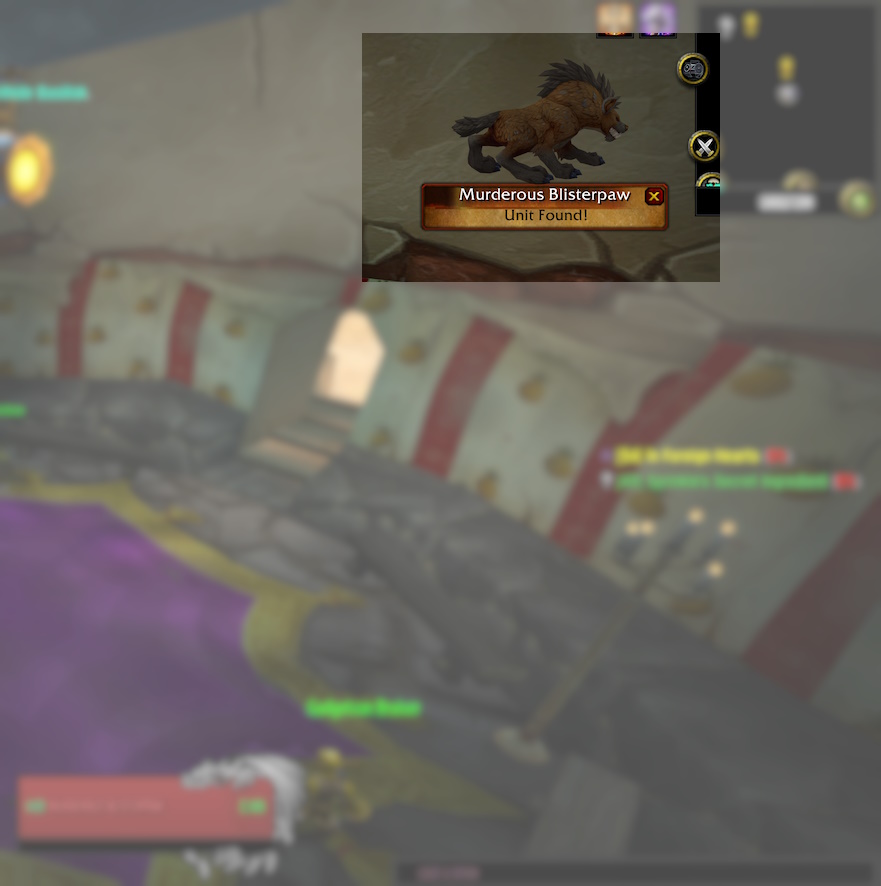
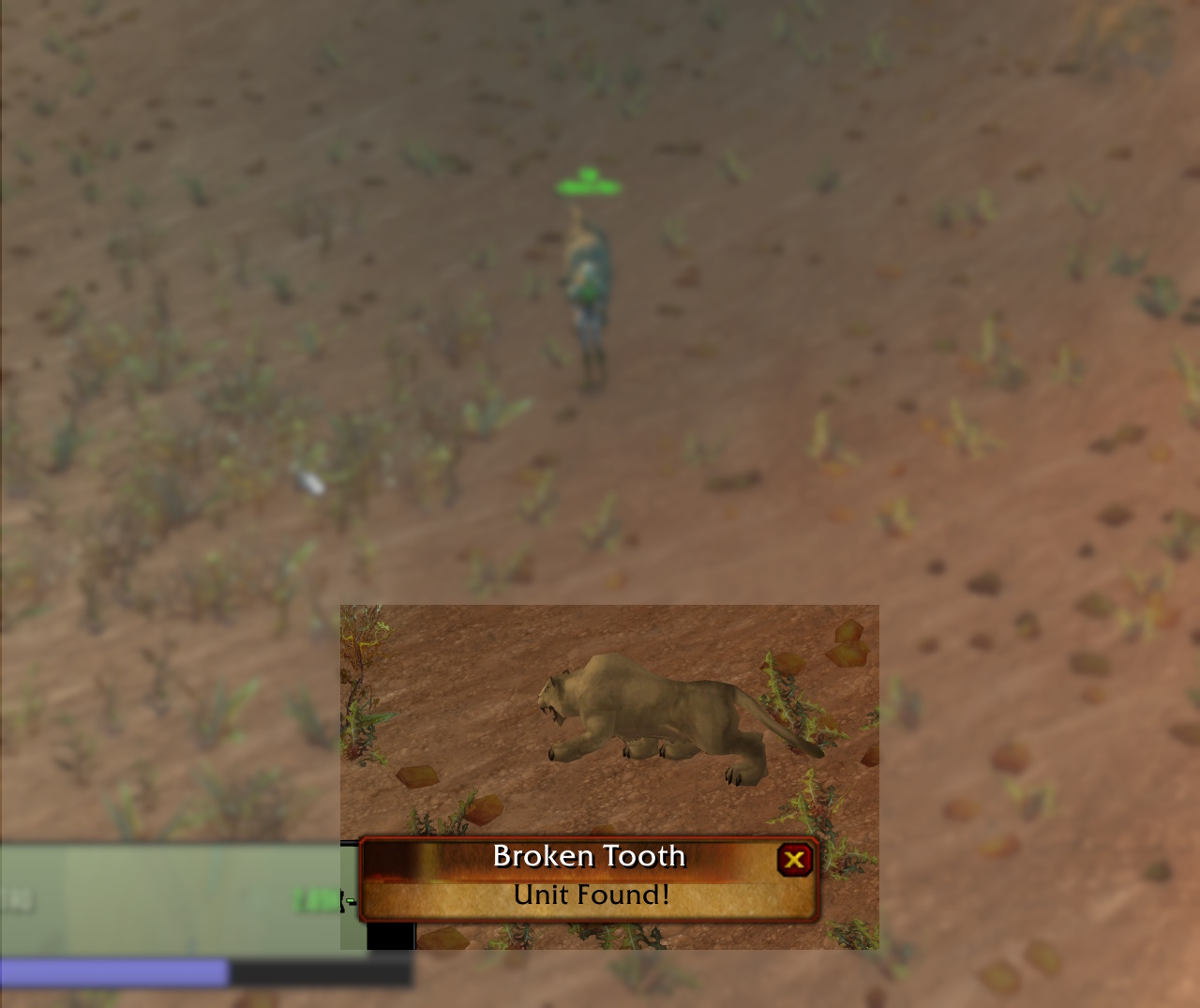
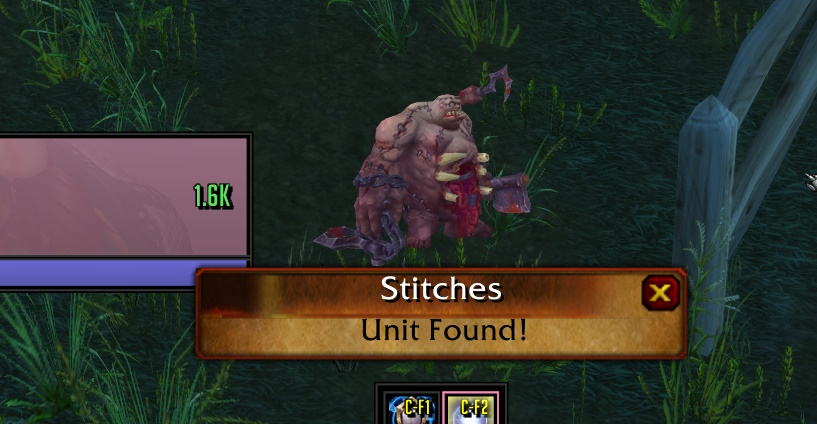
The list of units can be found in zone targets.lua.
-
Unitscan will only look for zone targets specific to your current zone. The target list is reloaded when you change zones.
-
Zone targets will be reloaded 90 seconds after you have found a target (to re-detect roaming targets).
-
Unitscan will alert you of NPC targets that you can attack and are alive.
-
Unitscan will pause scanning when in combat or when auto attack, auto shoot and wanding are active.
-
Please note unitscan will not auto target the target when it is found.
Click the target in the unitscan window or use the macro /unitscantarget to target the mob.
Commands / Use
You can move the unitscan frame by holding CTRL+SHIFT+LEFT CLICK dragging.
/unitscan opens the options window
/unitscan on, /unitscan off turns scanning on or off
/unitscan list lists the active scan targets in chat
/unitscan name adds/removes name to/from the active scan targets
/unitscantarget targets the most recently found target
The options window has the on/off switch, switches for the alert sound, the screen flash and the built-in zone list, and a box to add or remove your own targets. The options are saved per character.
You can add custom targets to find players or targets not included in the zone targets list by using the command /unitscan name.
Please Note: Targets added using /unitscan name will be removed from active scan targets after they are found. For a permanenet solution, edit zone targets.lua and add a line entry for that unit.
Complementary Addons
SoloRaidTargetIcons - This addon lets you put raid markers on units without being in a party (see video).
Codex - To see target abilities in the tooltip.
Addon Compatibility
Unitscan uses the TargetByName function to scan through the list of targets to find an exact match. This causes the game to switch targets if the named target is nearby. Unitscan will immediately restore your original target however if you are using addons that do something when you switch targets (such as issue an alert if targets are PvP flagged) then they may trigger for the found target.